
Getting started
Your first day with QPONG
Everything from download to first stamp, on one page. No visit needed, and it takes about 5 minutes.
- One phone is all you need
- Your POS stays as it is
- No app for customers
- 30 days free, no credit card
Set up once
Four steps, all from your phone.
-
1. Download the app and sign up
Get QPONG from the App Store or Google Play and add your location name. Customers see it on their wallet pass.
-
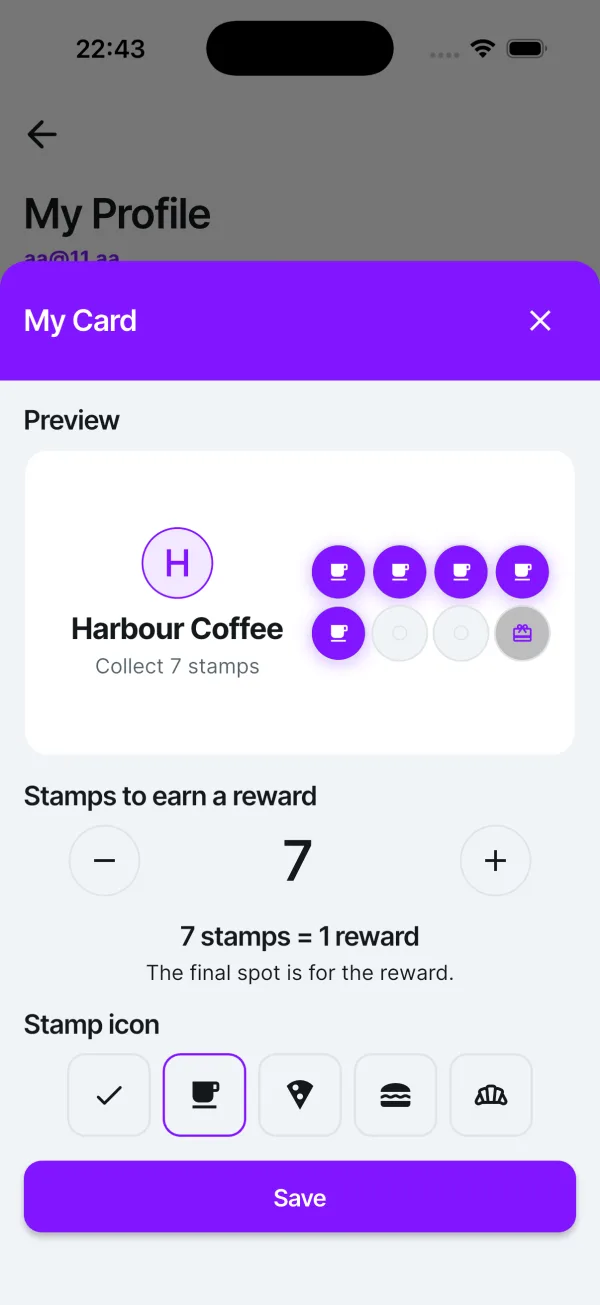
2. Create your stamp card
Open Settings → My Profile → My Card. Choose how many stamps earn a reward and pick a stamp icon.
-
3. Put the QR on your counter
Print a free counter material: a sign, a stand or a sticker. Customers scan the QR on it and add the stamp card to their wallet.
-
4. Invite your team
Open Settings → My Team and add your staff by email. Once they join, they can stamp from the QPONG app on their own phones.
Try it yourself first
Two minutes, two phones, and you know exactly what your customers will see.
-
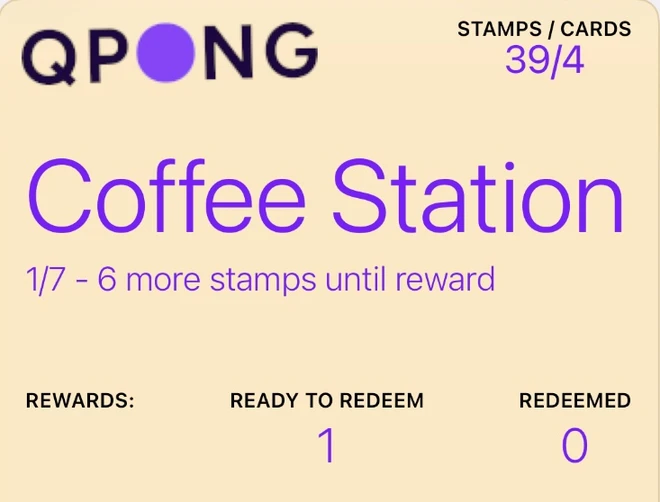
Grab a second phone
A colleague’s will do. Open wallet.qpong.me on it and add the pass to Apple or Google Wallet.
Open wallet.qpong.me -
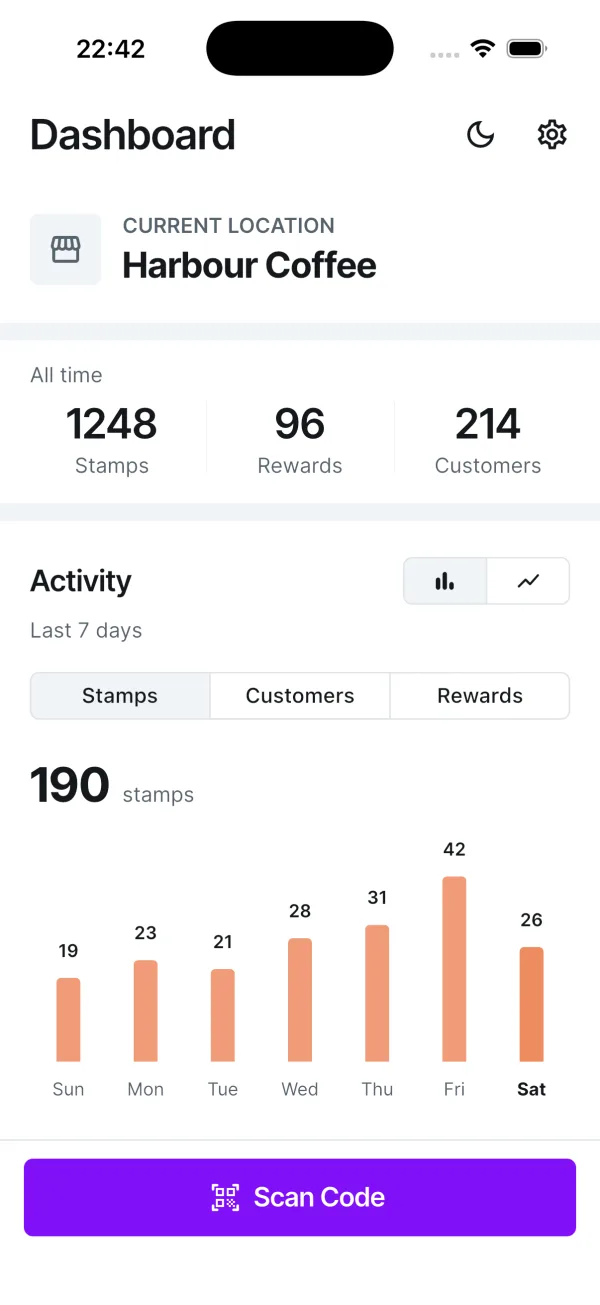
Scan it with yours
Tap Scan Code in the QPONG app and point the camera at the QR on the pass. Or skip opening the app: scan the QR with your phone camera and QPONG opens on its own.
-

STAMPS / CARDS
40/4
Coffee Station
2/7 - 5 more stamps until reward
REWARDS:
READY TO REDEEM
1
REDEEMED
0
Add a stamp
Tap Add 1 stamp. The pass on the other phone updates in a few seconds.
What happens at the counter
- First visit
The customer gets the card
They scan the QR on your counter and add the pass to their wallet. No app, no sign-up, about 20 seconds.
- Every visit
You scan and stamp
The customer shows the pass. Tap Scan Code, scan it and tap Add 1 stamp. Three coffees in one order? Add three stamps in one go.
- Reward time
You approve the reward
When the stamps are collected, the pass shows a reward is ready. Scan it, tap Approve reward and hand over the free one.
Brief your team in 30 seconds
Read it out before the shift or paste it into the team chat.
How to stamp
- The customer shows their QPONG pass.
- Tap Scan Code and scan the QR.
- Tap Add 1 stamp. More items? Add more stamps.
- Reward ready? Tap Approve reward.
- No pass yet? Point at the QR on the counter.
Good questions
The ones we hear most at the counter.
Do I need any extra hardware?
No. A phone with the QPONG app is all it takes. Your POS, card terminal and receipts stay exactly as they are.
Do my customers need an app or an account?
Neither. They scan the QR on your counter and add the stamp card to Apple or Google Wallet. No sign-up, no download.
How long does a stamp take at the counter?
Three steps: tap Scan Code, scan the customer’s pass, tap Add 1 stamp. Three coffees in one order? Add three stamps in one go.
Can my staff stamp from their own phones?
Yes. Invite them by email in the app and they can give stamps and approve rewards from their own phones. Team members are included in the price.
Does the customer’s pass work in other places too?
A customer keeps one QPONG pass and uses it at every QPONG place. Each place adds stamps to its own stamp card only.
What does it cost?
Try QPONG free for 30 days, no credit card required. After that it is one monthly subscription through the App Store or Google Play, which shows the price for your country. No tiers, no hidden fees. Cancel anytime.
Still stuck?
Write to us and we will sort it out together.
info@qpong.me Keep. Them.
Coming. Back.
How? QPONG digital coupons.